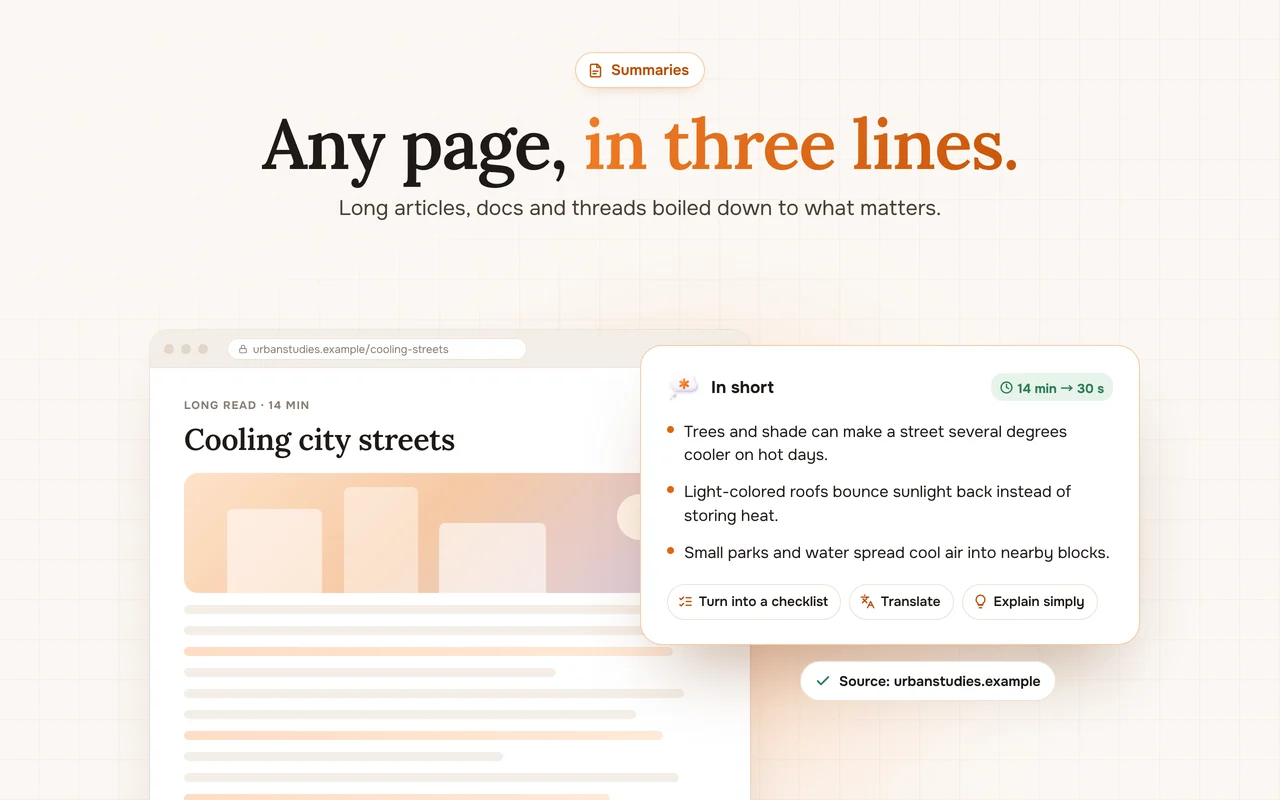
Built-in page translation replaces the text you are reading. Sometimes you want both: the original and a natural translation right next to it.
Translate a selection
Highlight a sentence or paragraph and choose Translate from the pop-up. The translation appears in the side panel while the page stays as it is.
Translate the whole page
Open the panel on the page and press Translate. Long pages are translated section by section, headings included.
Ask for the right tone
Add a short instruction: “formal”, “casual”, “keep technical terms in English”. You get a translation that fits where it is going.
Learn as you go
Ask for a glossary of the hardest words on the page, or an explanation of an idiom. It is a fast way to build vocabulary in a language you are learning.
 Claude Duet