 Claude Duet
Guide
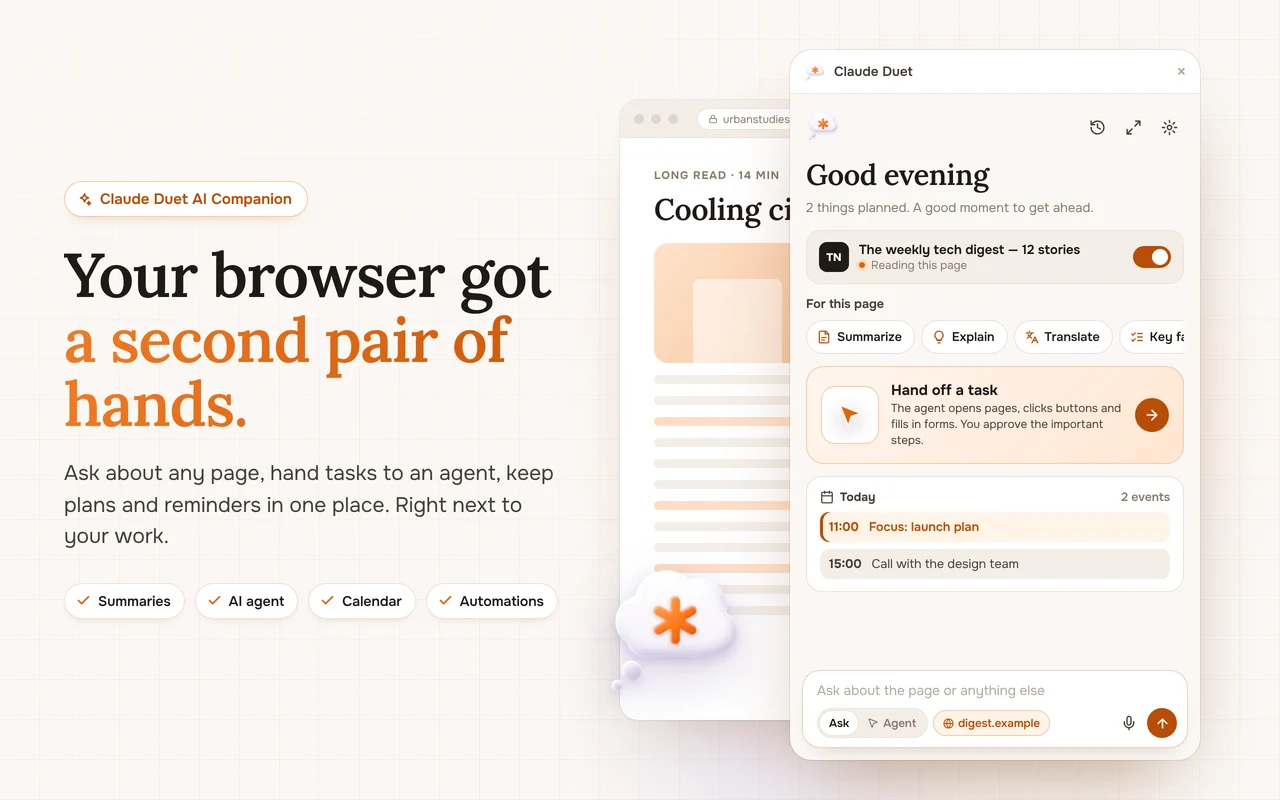
Automate repetitive browser tasks, no code needed
If you open the same pages and do the same checks every week, an automation can do them for you and send you only the result.
Find the repeatable task
Look for things you do on a rhythm: checking a price, reading news in your field, collecting what you saved this week, reminding yourself to plan.
Describe it in one sentence
“Every weekday at 8:00, brief me on news about electric cars.” Include what, when and the format you want back.
Pick a schedule
Daily, weekly or certain weekdays. Results arrive as a Chrome notification and stay in the panel history.
Keep automations few and useful
Start with one or two. If you stop reading the result, pause the automation; a quiet inbox is the point.
Where agents fit in
Automations gather and summarize. When a task needs clicking or submitting, hand it to the agent, which asks before any important step.